
Everything
in one link.
Bring files, videos, proposals and links together on one simple, shareable page.
Free to start. No card needed.



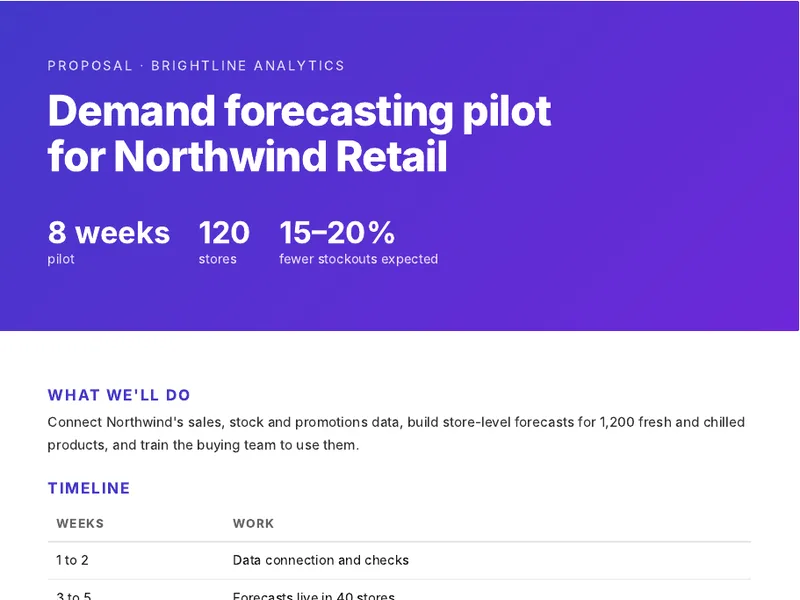
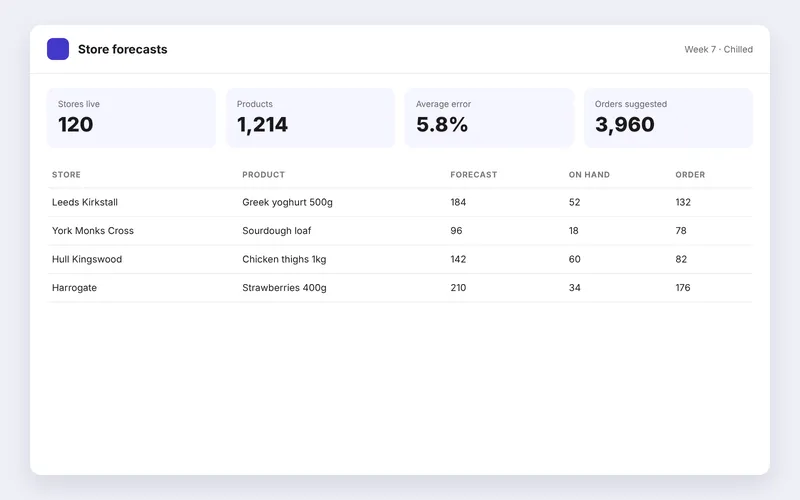
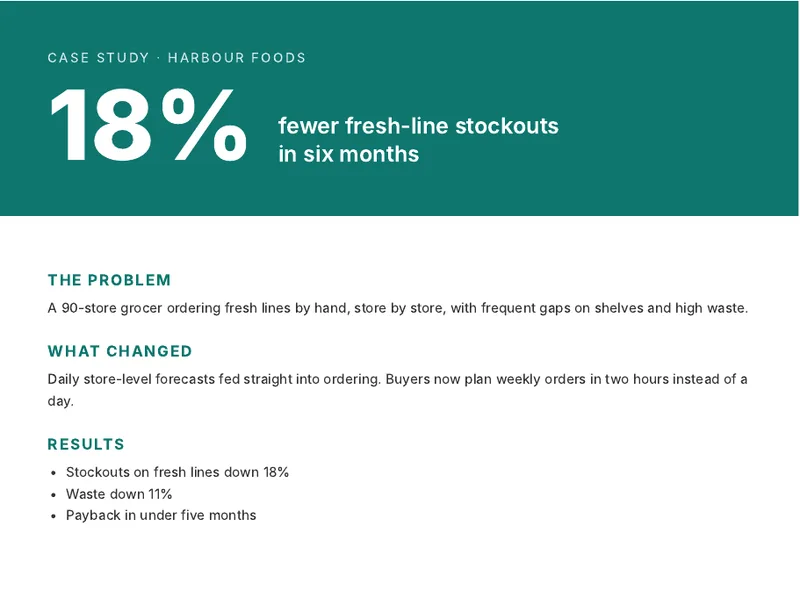


Open a real pack
Six examples with made-up people and companies. Each one uses a layout you can pick under New pack. Open one and click around, the way your reader would.

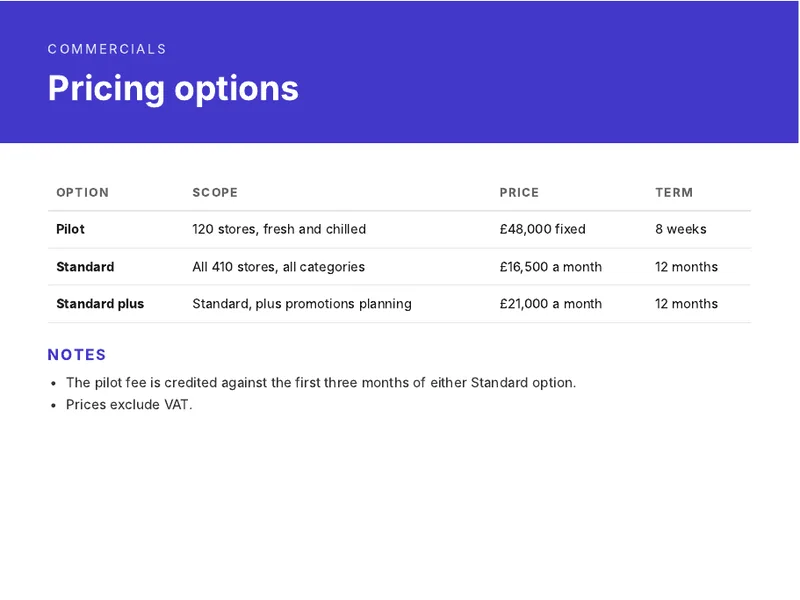
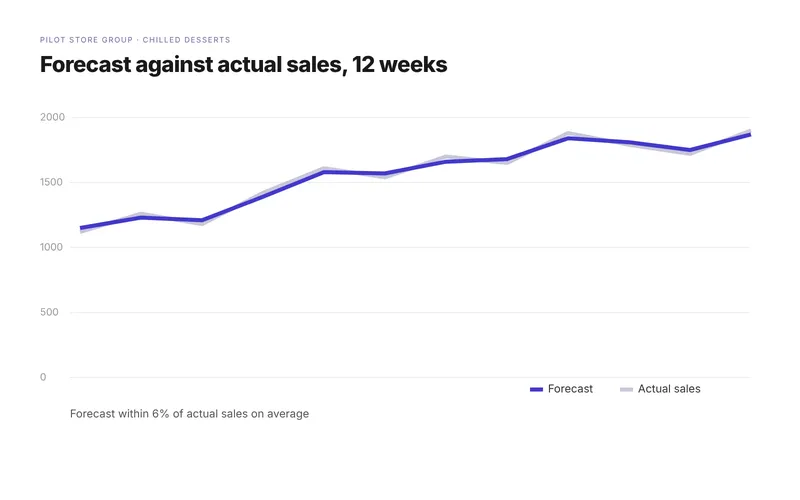
Summary, the proposal, pricing, results charts and a case study, with both logos in the header and a clear next step.


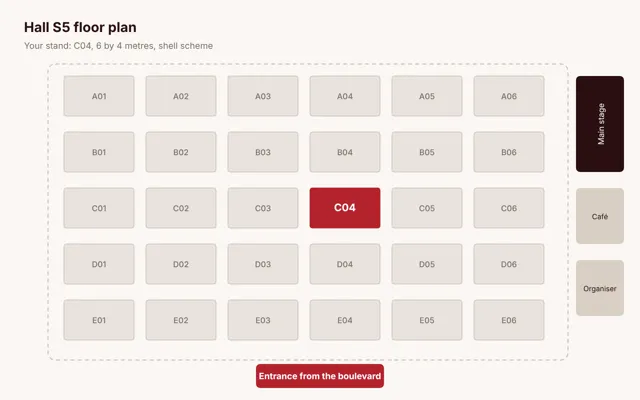
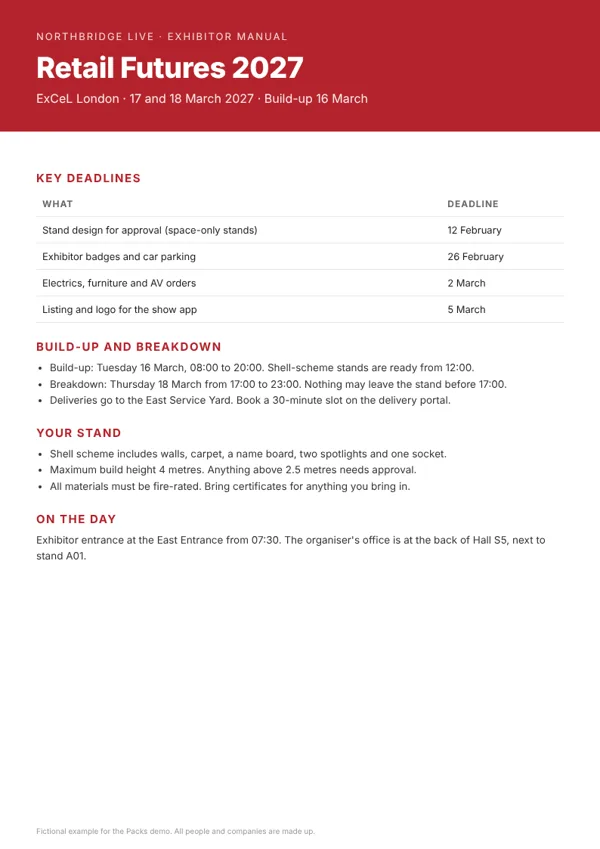
Key deadlines, travel and a map, a timed plan for each show day, the floor plan and the manual.

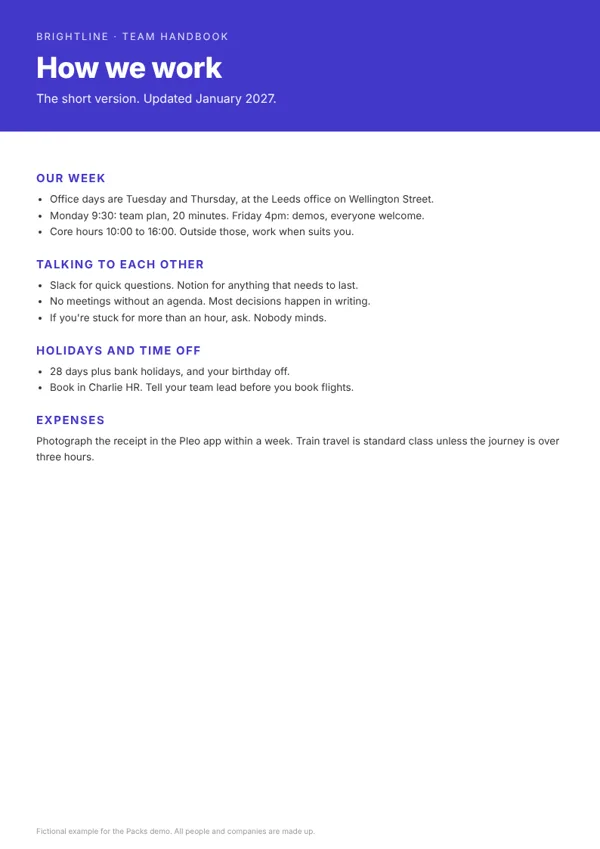
A welcome note, the first week day by day, the handbook, tools to set up and a who's who of profile cards. Questions go to Ask this pack.

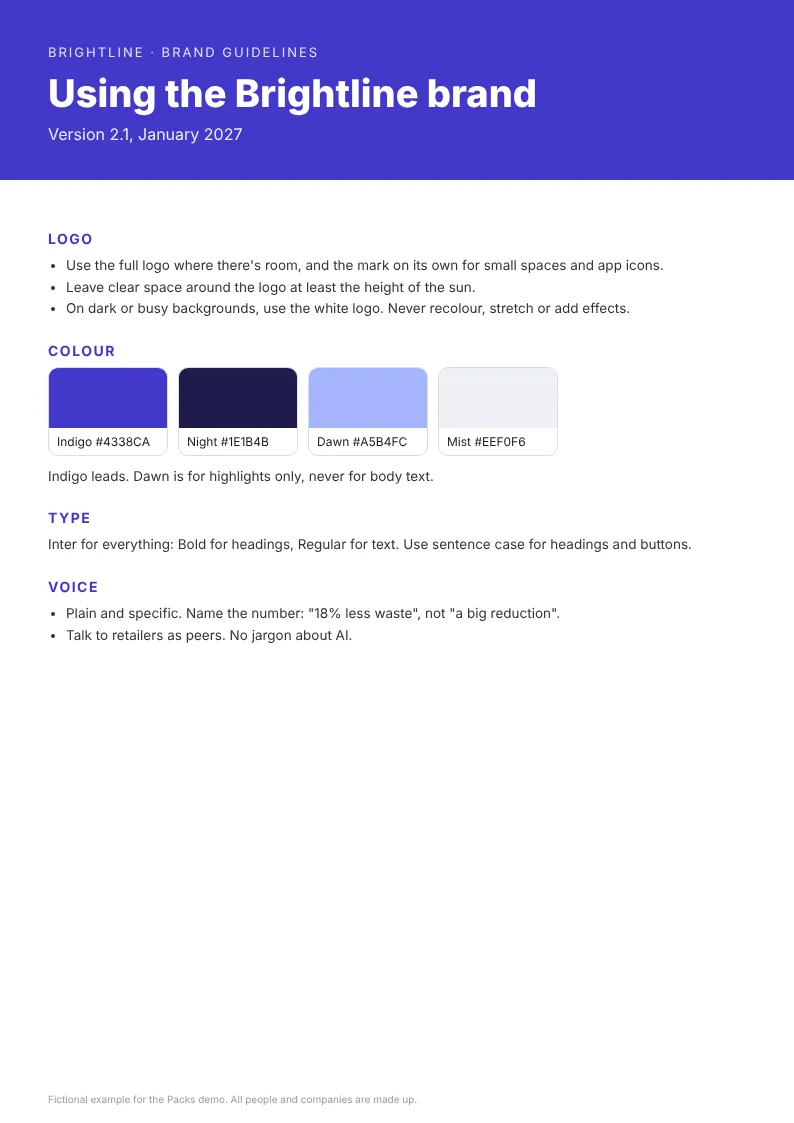
Logos on light and dark with Download all, colours to copy, guidelines and ready-to-paste company descriptions.


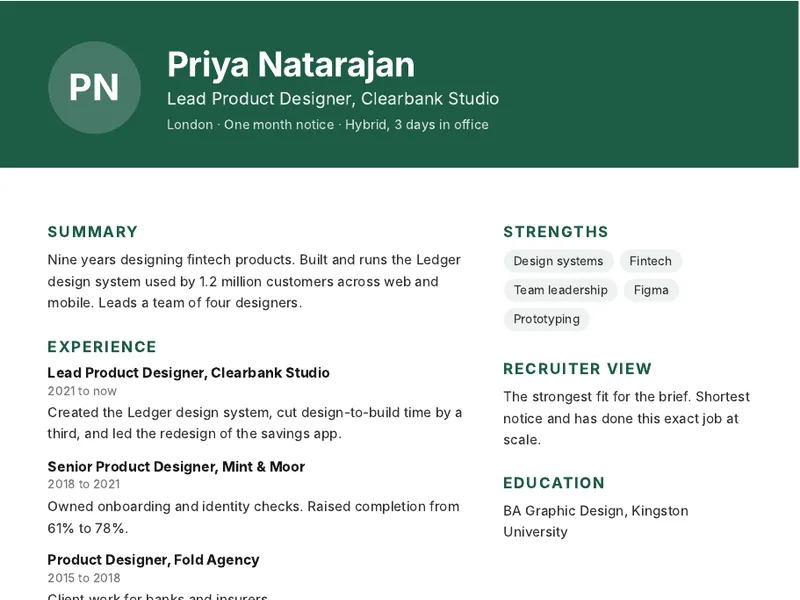
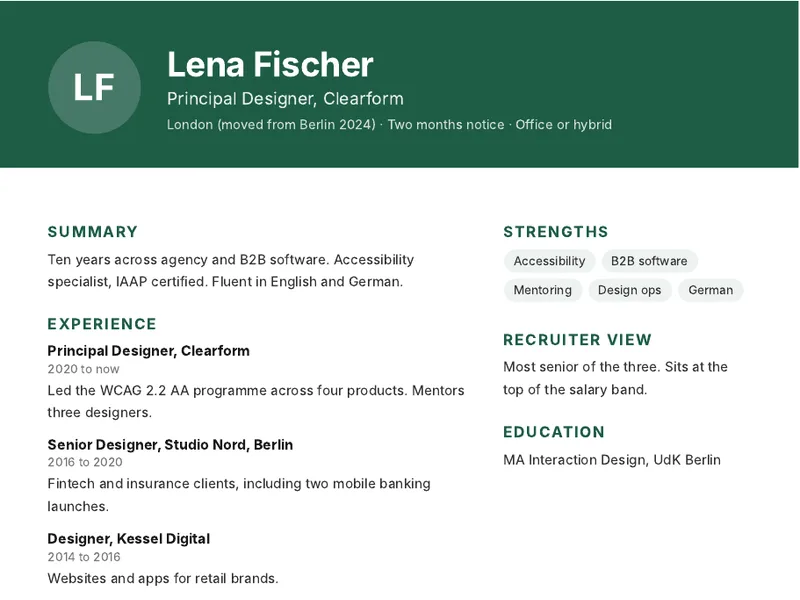
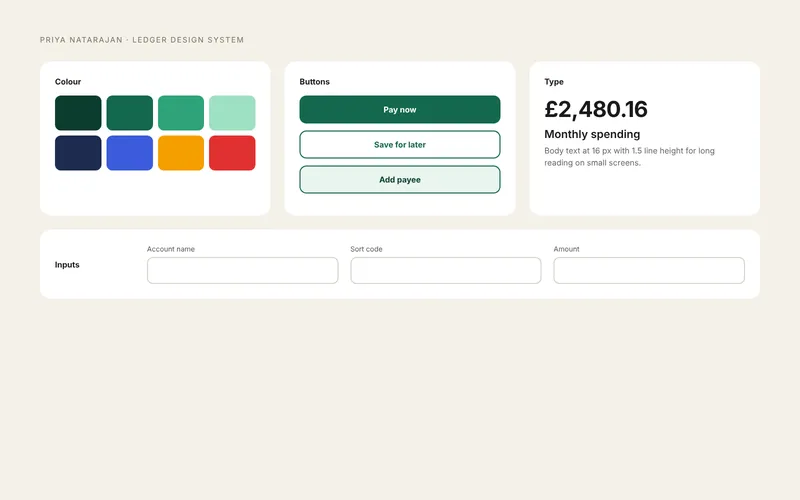
The recruiter's pick, three CVs, a gallery of their work, the role brief and the interview plan.


A video, flights with Add to calendar, the hotel, a plan for each day with directions, places to eat and good reads.
Pick one of these layouts when you start a pack. You get the sections and settings, with tips on what goes where. Your first pack takes about five minutes.
Who uses Packs
Anyone who sends more than one file to someone they want to win over.
Proposals the whole buying team reads
- Proposal, pricing, case studies, customer quotes and your booking link on one page.
- Your logo next to your customer's, pulled from their website.
- See who opened it, what they read and when they came back, including colleagues they passed it to.
- Ask this pack answers buyers' questions from your documents, at any hour.
- Templates and a shared quote library keep the whole team on message.
- Mon 09:12Sarah Lee opened the proposalRead Pricing twice
- Mon 09:20Sarah asked: Does the pilot need IT time?Answered from Proposal.pdf
- Tue 14:05Tom Okafor opened it for the first timeSarah passed it on
- Thu 11:30Finance looked at PricingTime to call
Also used for trip plans, board papers and project handovers, with a password and an expiry date when you need one.
How it works
- 1
Add what you'd attach
Drop in files, paste links, write a note. Group them into sections such as Summary and Pricing.
- 2
Share one link
Send it by email, LinkedIn or text. Add a password, an email gate or an expiry date if you need one.
- 3
See what happened
Packs shows who opened the link, what they looked at and for how long. Follow up at the right moment.
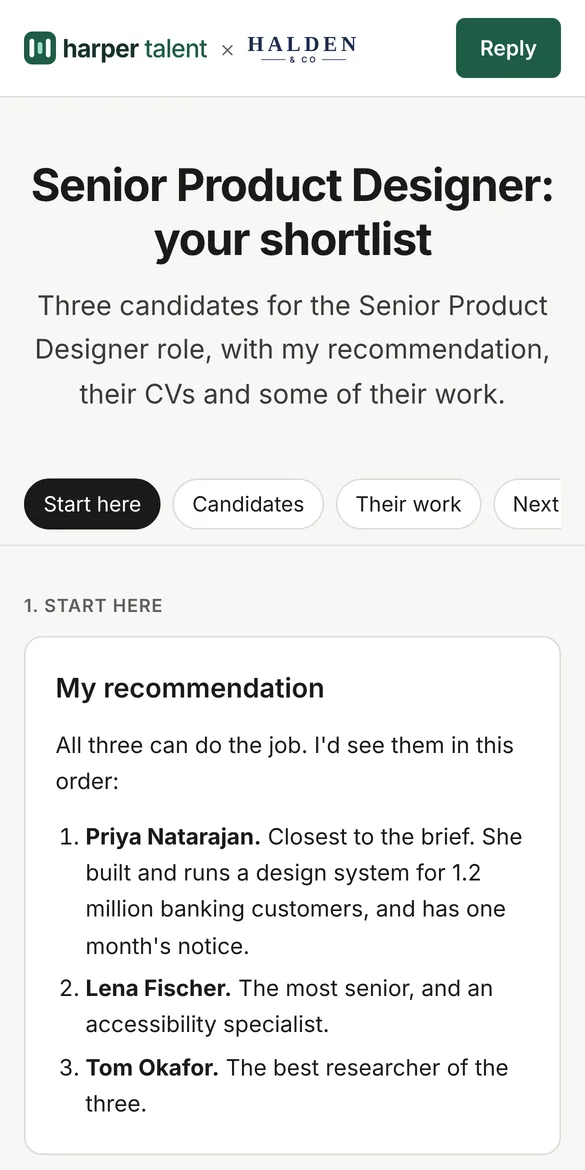
What your reader sees
One tidy page instead of an inbox full of attachments. Each item has a line from you saying what it is and why it matters.
- No account, no app, no download to start.
- Works on a phone as well as a laptop.
- Your logo and colours at the top, on Pro and above.
- Videos, booking calendars, Google Docs and forms open inside the page.
- If you switch it on, readers can ask the pack a question and get an answer from your files.
Know when they read it
An attachment disappears into an inbox. A pack tells you who opened it, which items they looked at and how long they stayed. Call when the buyer has just read your pricing, not a week later.
- Each visit, with the person's email when the email gate is on.
- Opens for every file and link.
- Questions readers asked that the pack couldn't answer, so you can reply.
- sarah.lee@northwind.example12 min ago, 6 minOpened: Pricing, Proposal, Case study
- t.okafor@northwind.exampleYesterday, 3 minOpened: Pricing, Results
- finance@northwind.example2 days ago, 1 minOpened: Pricing
You decide who sees it
Email gate
Readers type their email before the pack opens.
Password
Copy the link and password together, or send them separately.
Expiry date
The link stops working on the date you set.
Stored in London
Files and pack data stay in a London data centre.
Pricing
Pay per creator. The people you send packs to are always free.
Free
1 creator
- 3 packs
- 250 MB of files, 10 MB each
- 50 AI answers a month
- View counts and last opened
Pro
Most popular1 creator
- Unlimited packs and folders
- 10 GB of files, 50 MB each
- 500 AI answers a month
- See who opened, what they read and for how long
Team
Up to 5 creators, flat price
- Everything in Pro
- 50 GB of files
- 2,500 AI answers a month
- Shared templates
Questions
Do the people I send a pack to need an account?
No. They open the link in any browser, on a phone or a laptop. If you turn on the email gate, they type their email first, and that's all.
What can I put in a pack?
Files such as PDFs, Word, Excel and PowerPoint documents, images, web links and your own text. YouTube, Vimeo and Loom videos play inside the pack. So do Calendly and other booking calendars, Google Docs, Sheets and Slides, Typeform and Tally forms, Figma and Miro boards.
How big can files be?
Up to 10 MB each on Free and 50 MB on paid plans. Video files aren't uploaded: paste a YouTube, Vimeo or Loom link instead and it plays in the pack.
Can I see who opened my pack?
Yes. You see each visit, which items were opened and how long people stayed. With the email gate on, you see who each person is.
Can I use my own logo and colours?
Yes, on Pro and above. You can also put your customer's logo next to yours on a proposal, and remove the Powered by Packs footer.
Can my team share packs?
Yes, on the Team and Business plans. Each pack stays private until you share it with your team. Teammates can then view it, see its analytics and copy it.
What happens when the 14-day trial ends?
New accounts get every Team feature for 14 days, including sharing with colleagues. After that you choose Pro or Team, or move to Free. Your packs stay live either way. Free includes 3 packs, shows the Powered by Packs footer and pauses team sharing.
Where is my data stored?
Files and pack data are stored in London. Links can have a password, an email gate or an expiry date, and you can switch a link off at any time.
Make your first pack in two minutes.
Free plan for good, with 14 days of Team to start.